
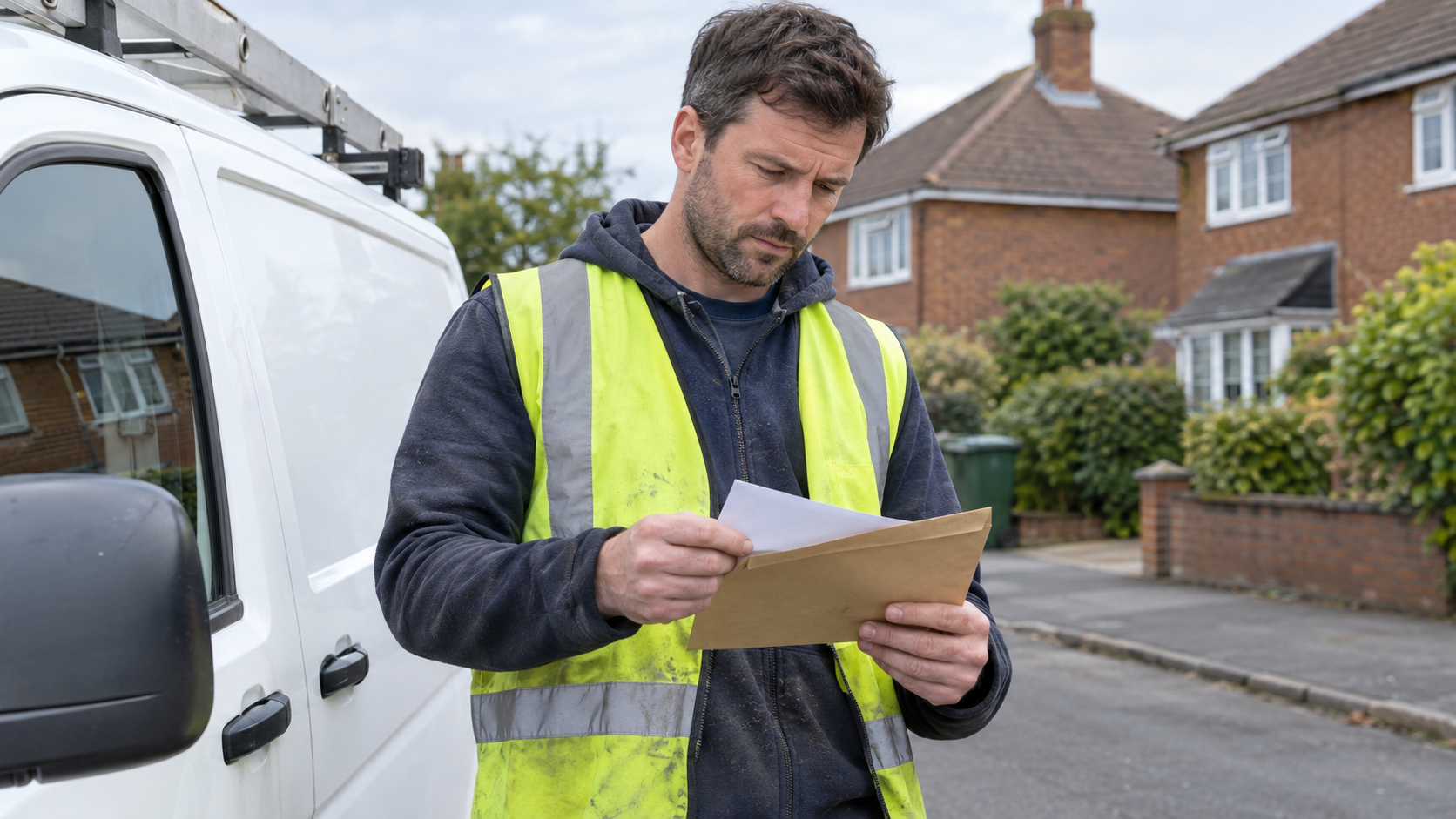
You have registered for Self Assessment, waited for the post, and nothing has arrived. No letter, and no sign of the 10-digit Unique Taxpayer Reference (UTR) you need to file your tax return. It is a common worry, especially with filing deadlines in mind, but there are simple ways to check where things stand.
In this guide we explain what a UTR number is, how long it usually takes to arrive, how to check your Self Assessment registration online, and what to do next if your UTR still has not turned up.
What is a UTR number?
A Unique Taxpayer Reference, often called a UTR or simply a tax reference, is a 10-digit number issued by HM Revenue and Customs (HMRC). You receive one when you register for Self Assessment, and limited companies receive a separate one for Corporation Tax.
You need your UTR to:
- file your Self Assessment tax return online or on paper
- pay your tax bill and set up payments to HMRC
- sign up for HMRC online services and the HMRC app
- confirm your identity when contacting HMRC about your tax affairs
- register for schemes such as the Construction Industry Scheme (CIS) as a subcontractor
Your UTR stays the same for life, so it is worth keeping a record of it somewhere safe once you have it.
How long does a UTR number take to arrive?
HMRC usually sends your UTR by post around 15 days after you register for Self Assessment. It can take longer if you live overseas, and busy periods such as the run up to the 31 January filing deadline can slow things down.
If you are still waiting, HMRC has an online tool where you can check when you can expect a reply from HMRC. It covers Self Assessment queries, including UTRs, and is updated weekly with current processing times.
Why might your UTR number not have arrived?
There are a few common reasons a UTR letter goes missing:
- Your registration is still being processed. Around 15 days is the usual guide, not a guarantee, and delays are common at busy times of year.
- The letter has gone to an old address. HMRC posts your UTR to the address it holds for you, which may be out of date.
- The letter has simply gone astray in the post. Your UTR may still be ready and waiting in your online account.
- The registration did not complete. If the online registration was interrupted, HMRC may not have received it at all.
- HMRC needs more information. Occasionally HMRC holds a registration while it checks your details.
Working through the checks below will tell you which of these applies to you.
How to check your Self Assessment registration
Before assuming something has gone wrong, it is worth checking whether your UTR is already available online. Even when the letter is still in the post, your UTR may already be visible in your digital accounts.
Check your Personal Tax Account
Sign in to your Personal Tax Account using your Government Gateway user ID and password. If your Self Assessment registration has been processed, your UTR is shown in the Self Assessment section.
Check the HMRC app
The free HMRC app shows the same information. Once you sign in, you can find your UTR under the Self Assessment section, along with other details HMRC holds for you.
Check letters and documents from HMRC
Your UTR appears on many documents HMRC sends, including:
- your welcome letter after registering for Self Assessment
- previous tax returns and statements of account
- notices to file a tax return
- payment reminders
It is usually printed near the top of the letter and may simply be labelled as a tax reference.
What to do if your UTR number has not arrived
If the usual waiting time has passed and you cannot find your UTR anywhere, work through these steps:
- Check your Personal Tax Account or the HMRC app first. Your UTR may already be there, even if the letter has not arrived.
- Check the address HMRC holds for you. If you have moved recently, your UTR letter may have gone to an old address.
- Check current HMRC processing times using the reply times tool mentioned above, in case registrations are taking longer than usual.
- Contact HMRC. You can call the Self Assessment helpline on 0300 200 3310 (Monday to Friday, 8am to 6pm, closed bank holidays) or use HMRC’s digital assistant and webchat. HMRC can confirm your UTR or register you if the original registration did not complete.
- Avoid registering a second time while you wait. Registering again can create duplicate records, which usually takes longer to sort out than a missing letter.
If a filing deadline is close and your UTR has still not arrived, contact HMRC as early as you can. Penalties charged because your UTR arrived late can normally be appealed, and keeping a note of when you registered will help.
What to do once your UTR arrives
Once you have your UTR, a few quick steps will get you ready to file:
- Set up your online account. Add Self Assessment to your Government Gateway account if it is not already there. HMRC sends an activation code by post, so allow time for it to arrive before the filing deadline.
- Note the key dates. You normally need to register for Self Assessment by 5 October after the end of the tax year you are reporting. Online returns and any tax owed are due by 31 January after the end of that tax year.
- Keep your UTR somewhere safe. You will use the same number every year, so save it with your tax records.
- Start gathering your records. Income, expenses and any tax already deducted will all be needed for your return.
If you have not registered yet, you can check how to register for Self Assessment on GOV.UK.
Frequently asked questions
How many digits is a UTR number?
A UTR is 10 digits long. Some HMRC documents show extra digits at the end, which identify the specific HMRC office or account.
Can I find my UTR number online?
Yes. If you are registered for Self Assessment, your UTR is shown in your Personal Tax Account and in the HMRC app once you sign in.
Is my UTR the same as my National Insurance number?
No. Your National Insurance number identifies you for National Insurance and benefits, while your UTR is used only for your tax records and Self Assessment. You need both when dealing with HMRC.
Can I file my tax return without a UTR?
You need a UTR to file a Self Assessment return, so if yours has not arrived and a deadline is close, contact HMRC straight away. Keep a record of when you registered in case you need to appeal a late filing penalty.
What if I registered weeks ago and still have no UTR?
Check your Personal Tax Account or the HMRC app, then contact the Self Assessment helpline. HMRC can confirm your UTR or complete your registration if something went wrong the first time.
Getting your Self Assessment back on track
A missing UTR is usually a delay rather than a lost registration. Checking your Personal Tax Account or the HMRC app often gives you the number straight away, and HMRC can confirm it by phone or webchat if not. The key is to act early so you still have plenty of time before the filing deadline.
If you need help registering for Self Assessment, finding your UTR or getting your tax return ready, get back to us at Tax2u.